React Native Chat
✨ Features

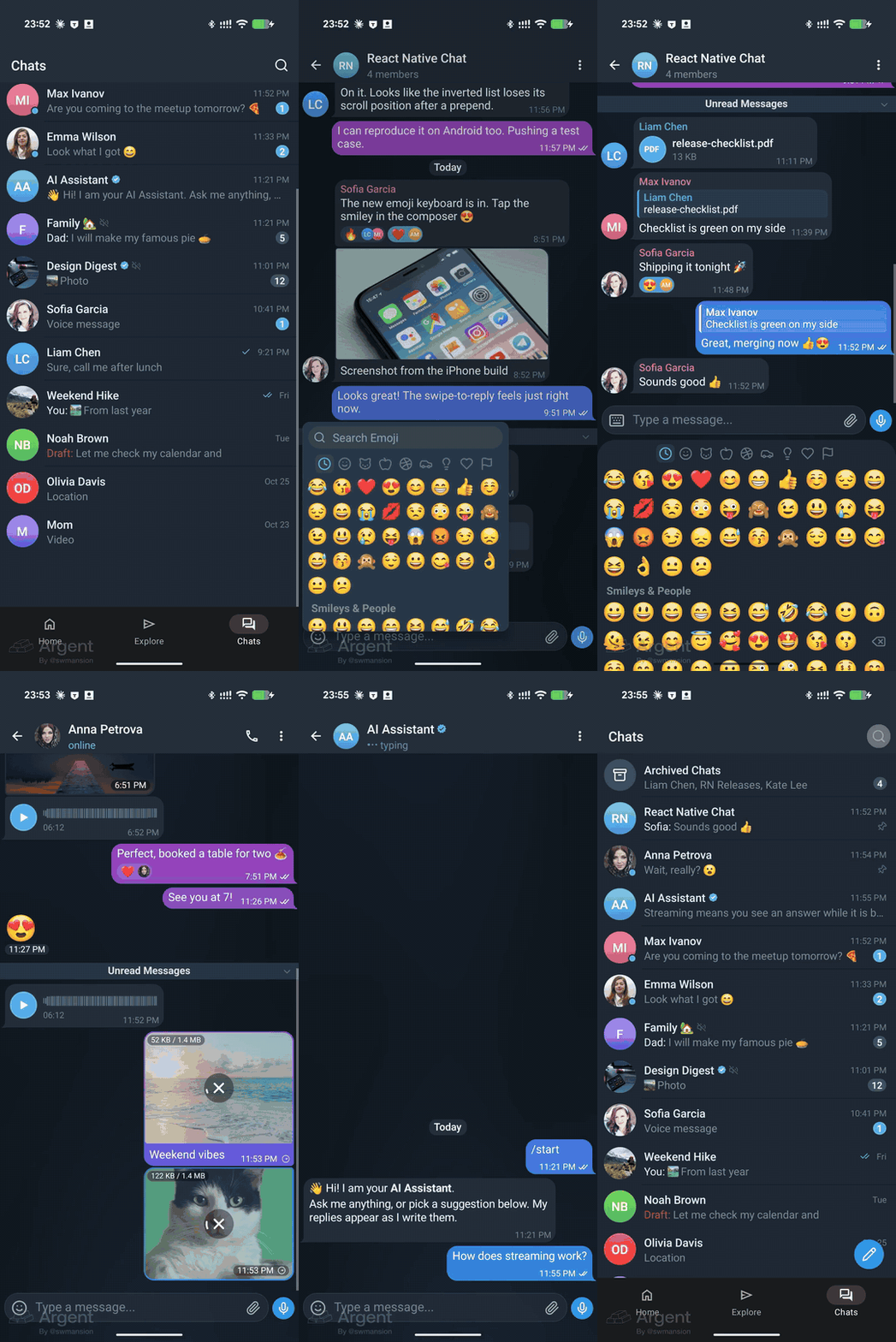
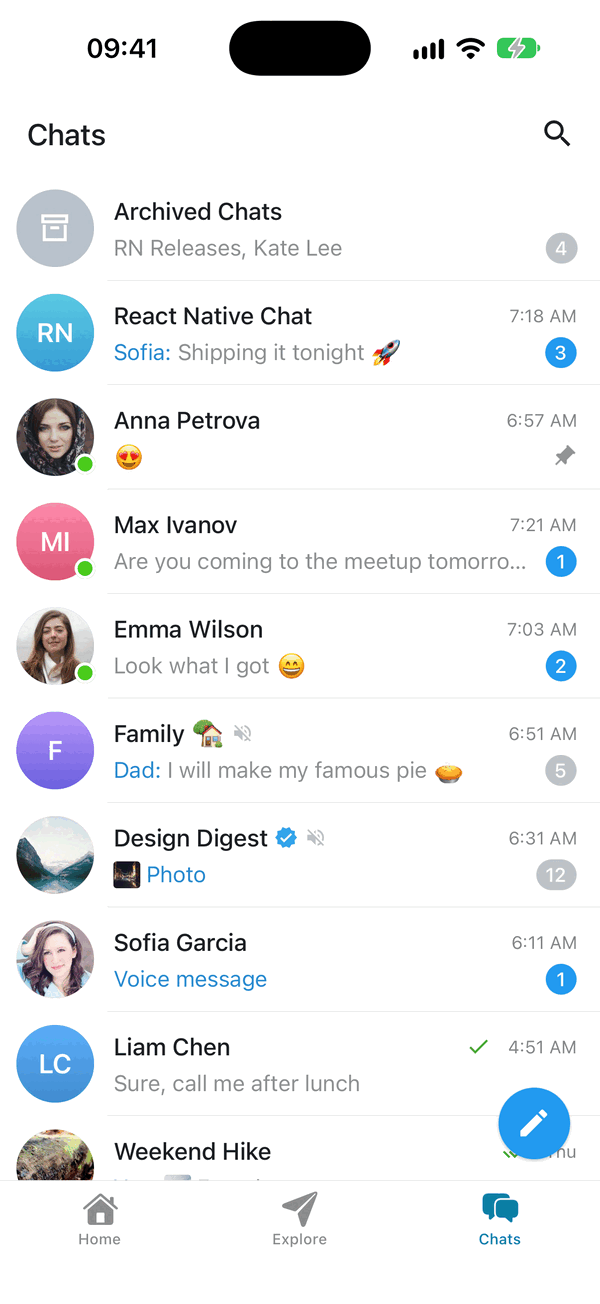
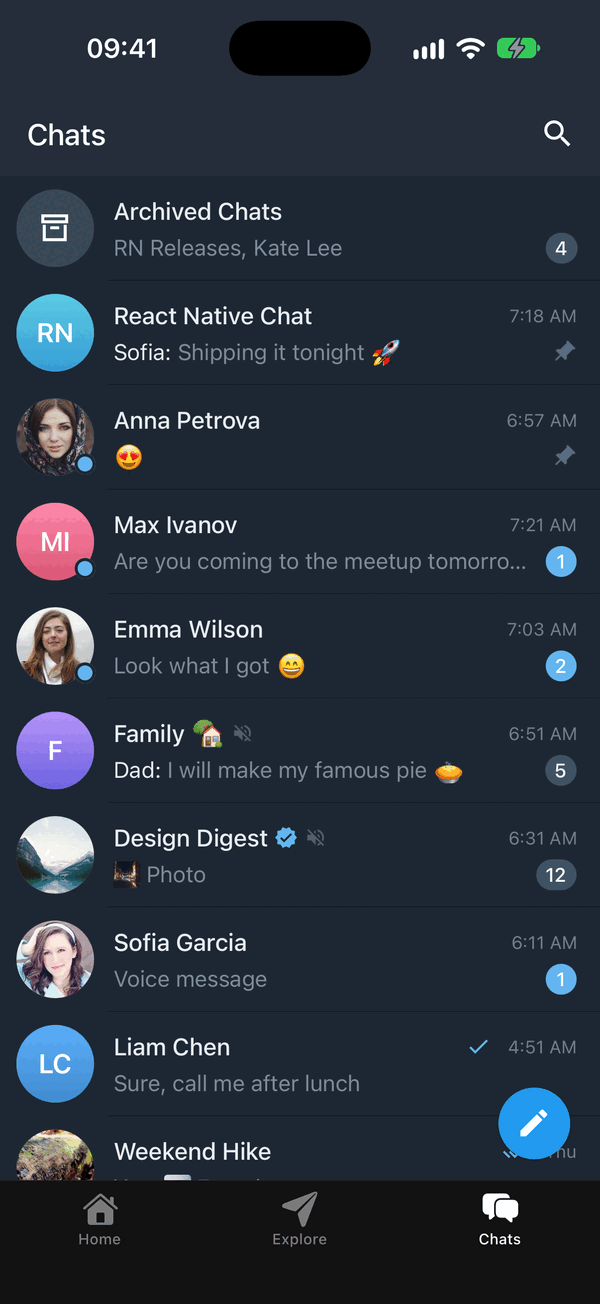
- 💬 Chat list - the list of chats with search, selection actions, archive, swipe to archive and draggable pinned chats; plug in your backend
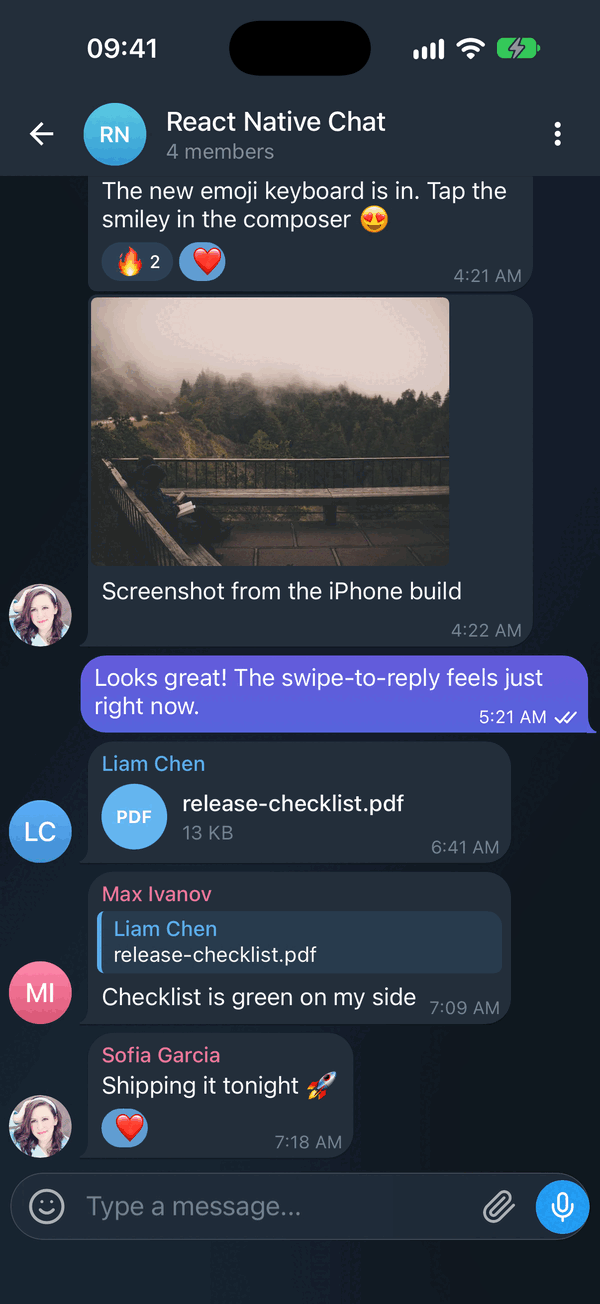
- 🌗 Dark mode & theming - full light/dark token system, switchable at runtime
- 🤖 Streaming AI messages - token-by-token replies with a typing caret and stop control
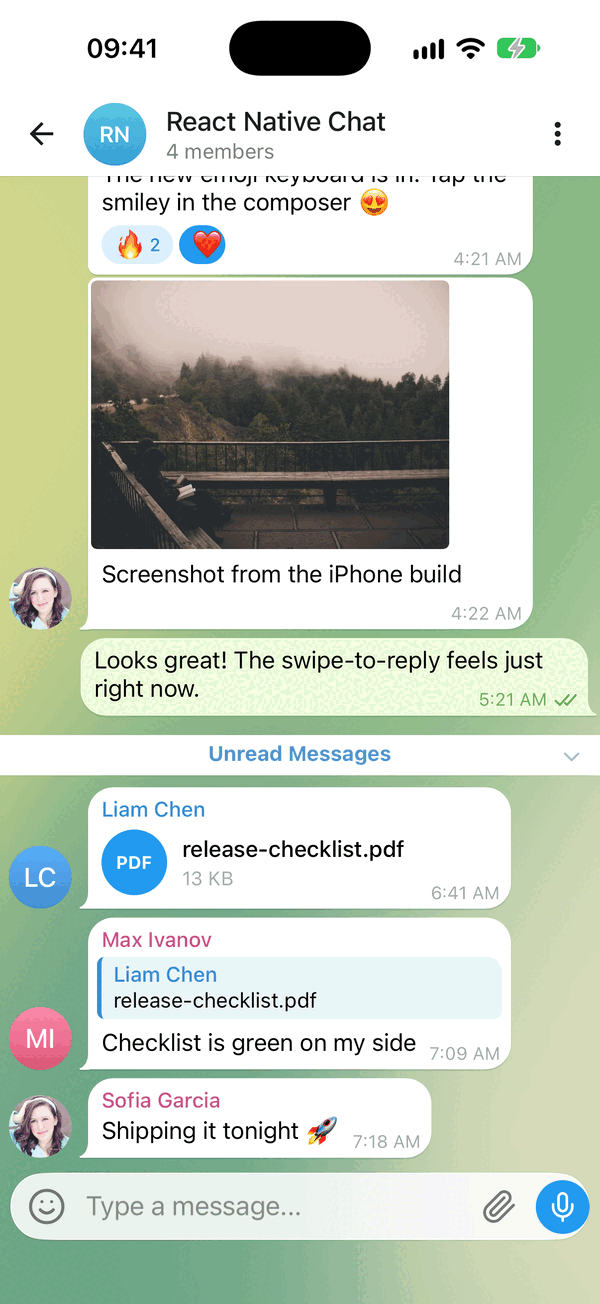
- 😀 Emoji reactions - long-press picker and reaction pills
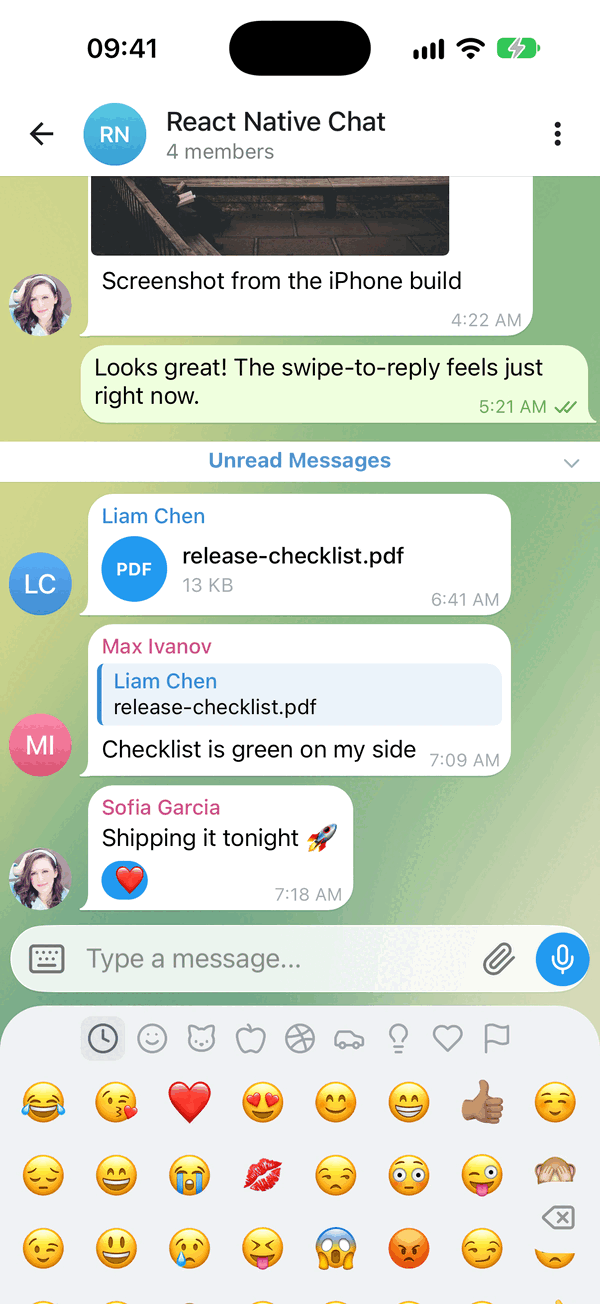
- ⌨️ Emoji keyboard - a full emoji panel in the keyboard's place, with search, recents and skin tones
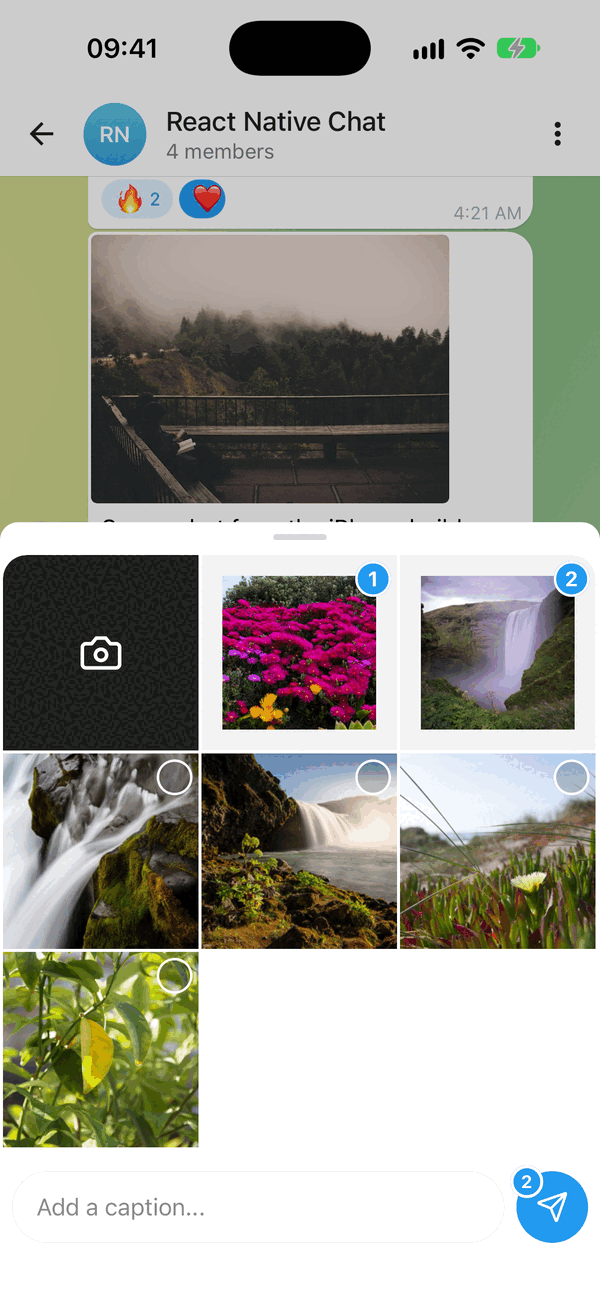
- 📎 Attachment menu - photo grid with numbered selection and a caption, files and location
- 🎥 Video & audio messages - real inline playback, with a tappable fallback
- 🖼️ Photo viewer - tap a photo, then swipe through every photo in the chat; pinch or double-tap to zoom
- 🎙️ Voice & video recording - hold-to-record voice and round video notes, on once their peers are installed
- 👋 Empty chat greeting - a "No messages here yet..." card with a tap-to-send 👋
- 😍 Big emoji - emoji-only messages drop the bubble and draw large
- 🔵 Unread bar - "Unread Messages" above the first unread message, opened scrolled to it
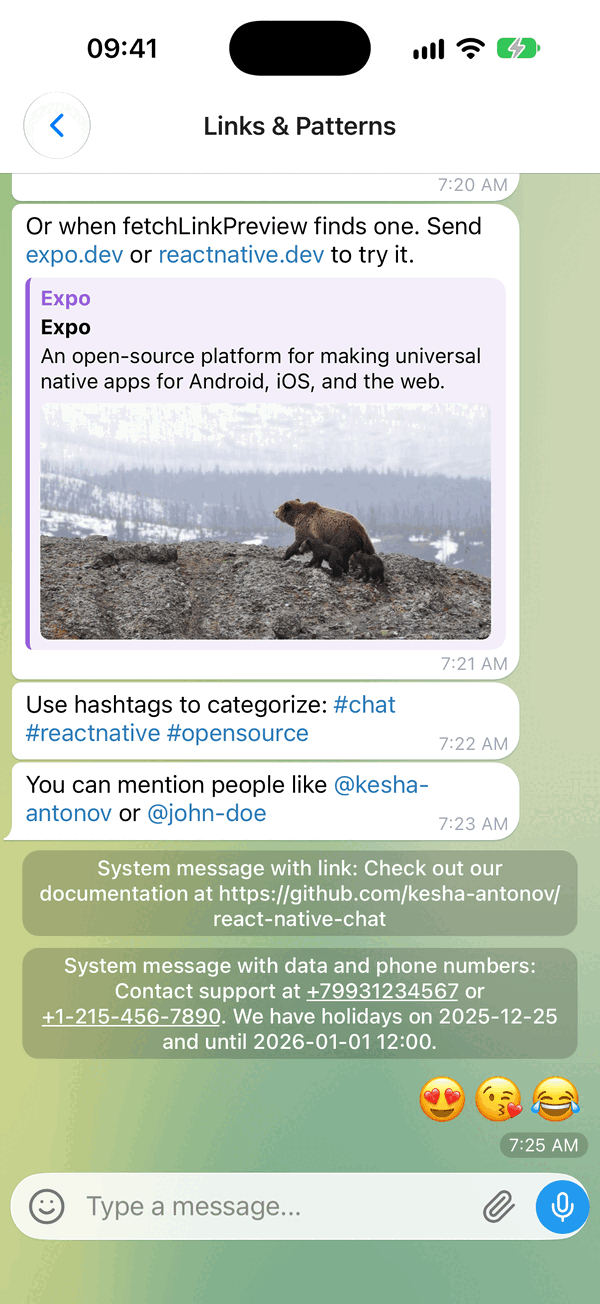
- 🔗 Link previews - a web page block under the text
- ☑️ Multi-select - "Select" in the long-press menu: check circles, Copy / Forward / Delete bar
- 📍 Location messages - map card that opens the system maps app
- ↩️ Swipe to reply - reply preview and message threading
- 📋 Long-press actions - a context menu beside the finger, with a reactions bar
- ⚡ Quick replies - bot-style reply buttons
- 🔗 Smart link parsing - URLs, emails, phones, hashtags, mentions
- 👤 Avatars - user initials or custom images
- ✍️ Typing indicator - show when someone is typing
- ⏮️ Load earlier messages - pagination and infinite scroll
- ⬇️ Scroll to bottom - quick jump back to the latest
- ✅ Message status - ticks for sent, delivered and read
- 💬 System messages - in-line notifications
- 🌍 Localized dates & i18n - Day.js dates, translated UI strings
- ⌨️ Keyboard handling - smart avoidance on every platform
- 🎨 Fully customizable - override any component with your own
- 📱 Expo & 🌐 Web - works with Expo and react-native-web
- 📝 TypeScript - complete definitions, generic over your message type
Actively maintained, New Architecture ready, built for the latest Reanimated / Gesture Handler.
Quick start
npx expo install @kesha-antonov/react-native-chat react-native-reanimated react-native-gesture-handler react-native-safe-area-context react-native-keyboard-controller
import { useCallback, useState } from 'react'
import { Chat } from '@kesha-antonov/react-native-chat'

export function Example () {
  const [messages, setMessages] = useState([
    {
      _id: 1,
      text: 'Hello developer',
      createdAt: new Date(),
      user: { _id: 2, name: 'John Doe', avatar: 'https://placeimg.com/140/140/any' },
    },
  ])

  const onSend = useCallback((newMessages = []) => {
    setMessages(previous => Chat.append(previous, newMessages))
  }, [])

  return <Chat messages={messages} onSend={onSend} user={{ _id: 1 }} />
}
That is the whole setup - everything below is optional.